Start here
Create an account
League Administrator
Member
Official
Create a league
Navigation
Home
Add members
Teams
Attendance settings
Attendance
Roles and Permissions
Edit roles and permissions
Practice sessions
Training programs
Games
Attendance
Officials
Statistics
Calendar
Meetings
Groups
Members
Minimum skills
Discussions
Resources
Tasks
Membership fees
Assignments
Knowledge base
Announcements
Access rights
Settings
Account
Notifications
Attendance
Roles and permissions
Access rights
League
Seasons
Officials
Junior Members
Switch league
Delete my Account
Calendar
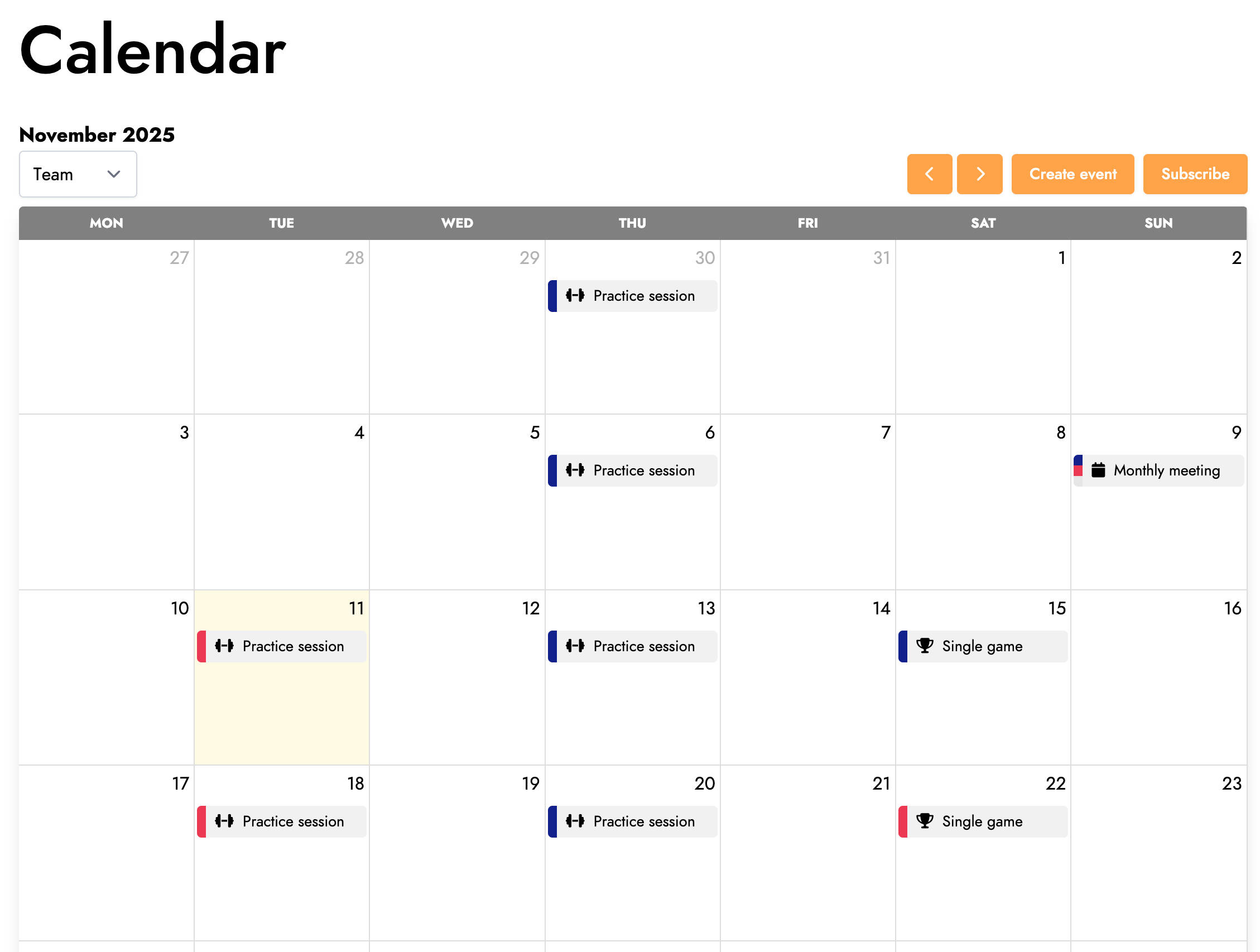
The calendar allows you to view all the practice sessions, games, and meetings of your league for a given month in one place.
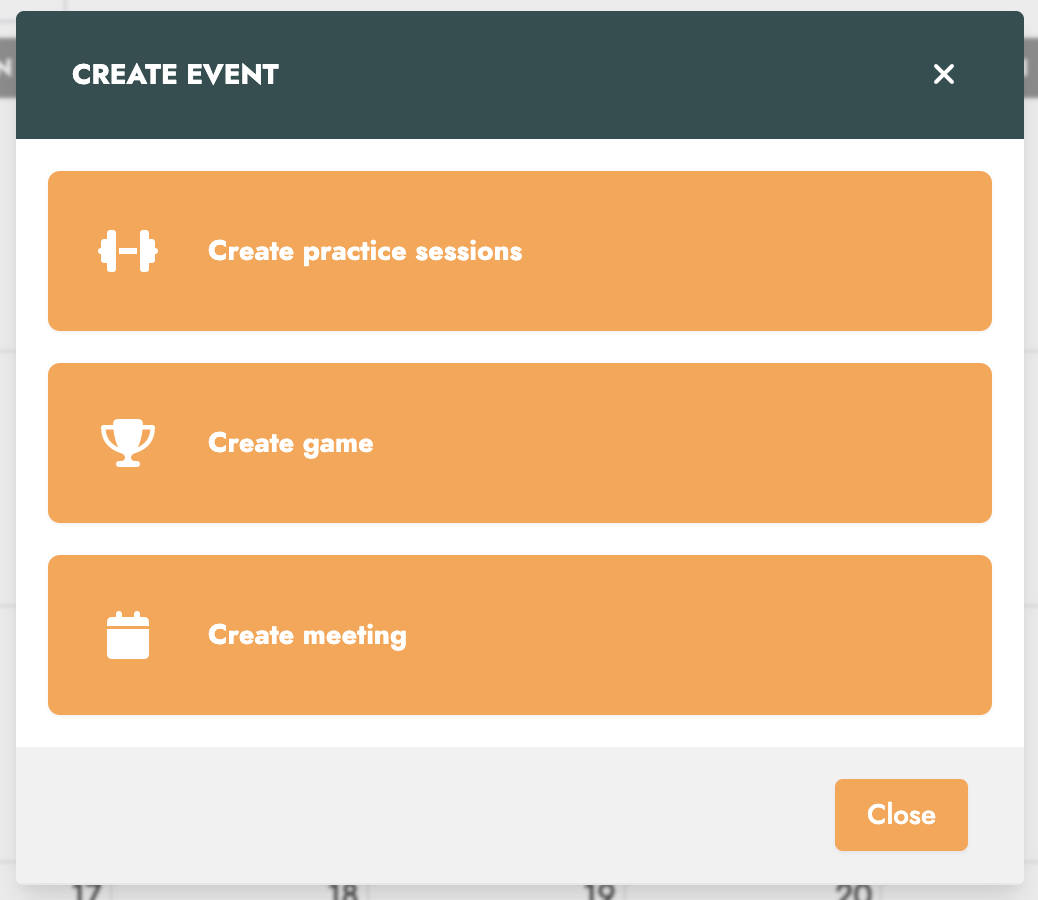
By clicking the Create event button, a window opens allowing you to select the type of event to create. Please note that the types of events available depend on your account’s permissions.
Subscribe to the calendar
If your league has subscribed to our Patreon, your members may have the option to synchronize their Trackkarma calendar with their calendar app, such as Google Calendar or Apple Calendar, using the iCal format.
To do this, from the web app, click the Subscribe button. The following window will then open :
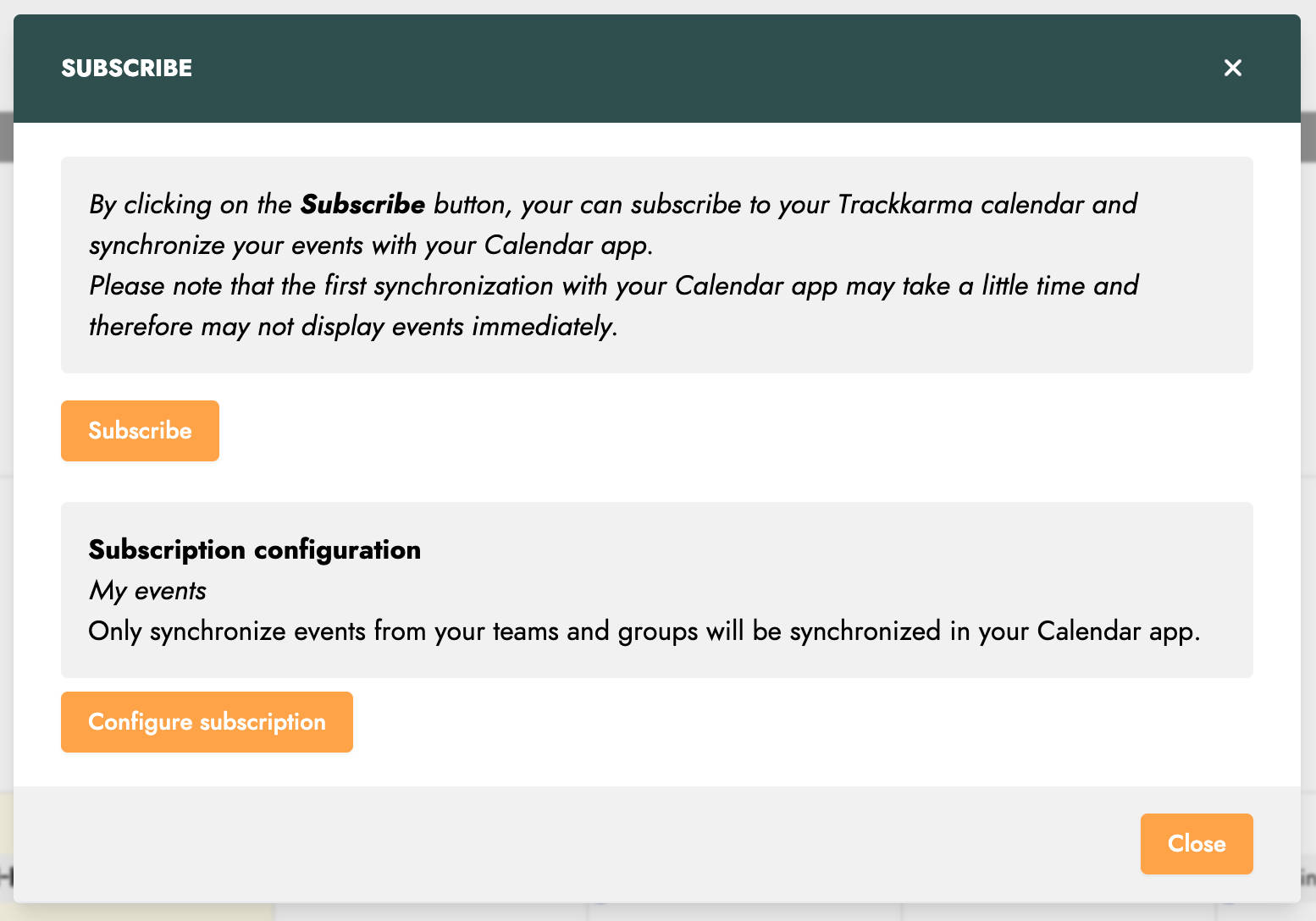
By clicking the Subscribe button in this window, you should be prompted to continue the process using your computer’s default calendar application.
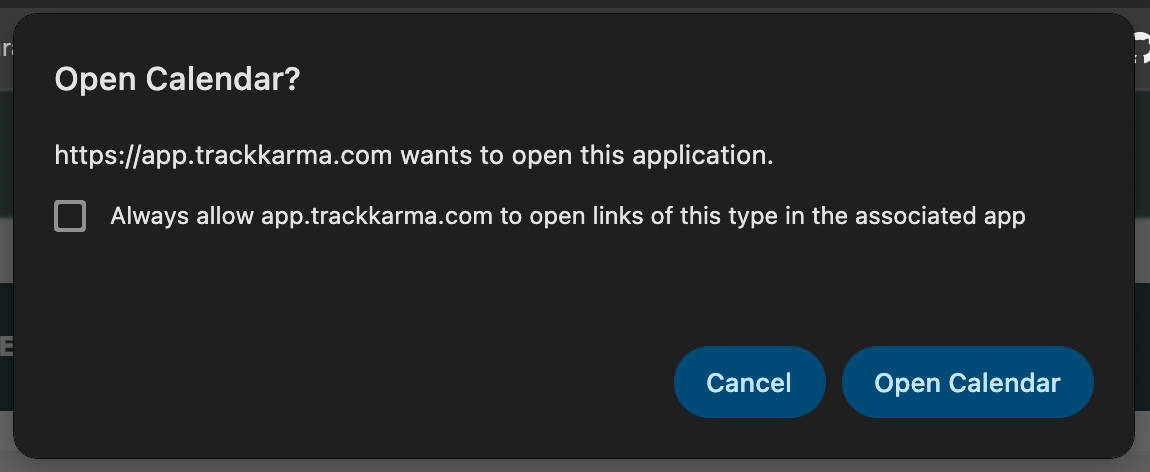
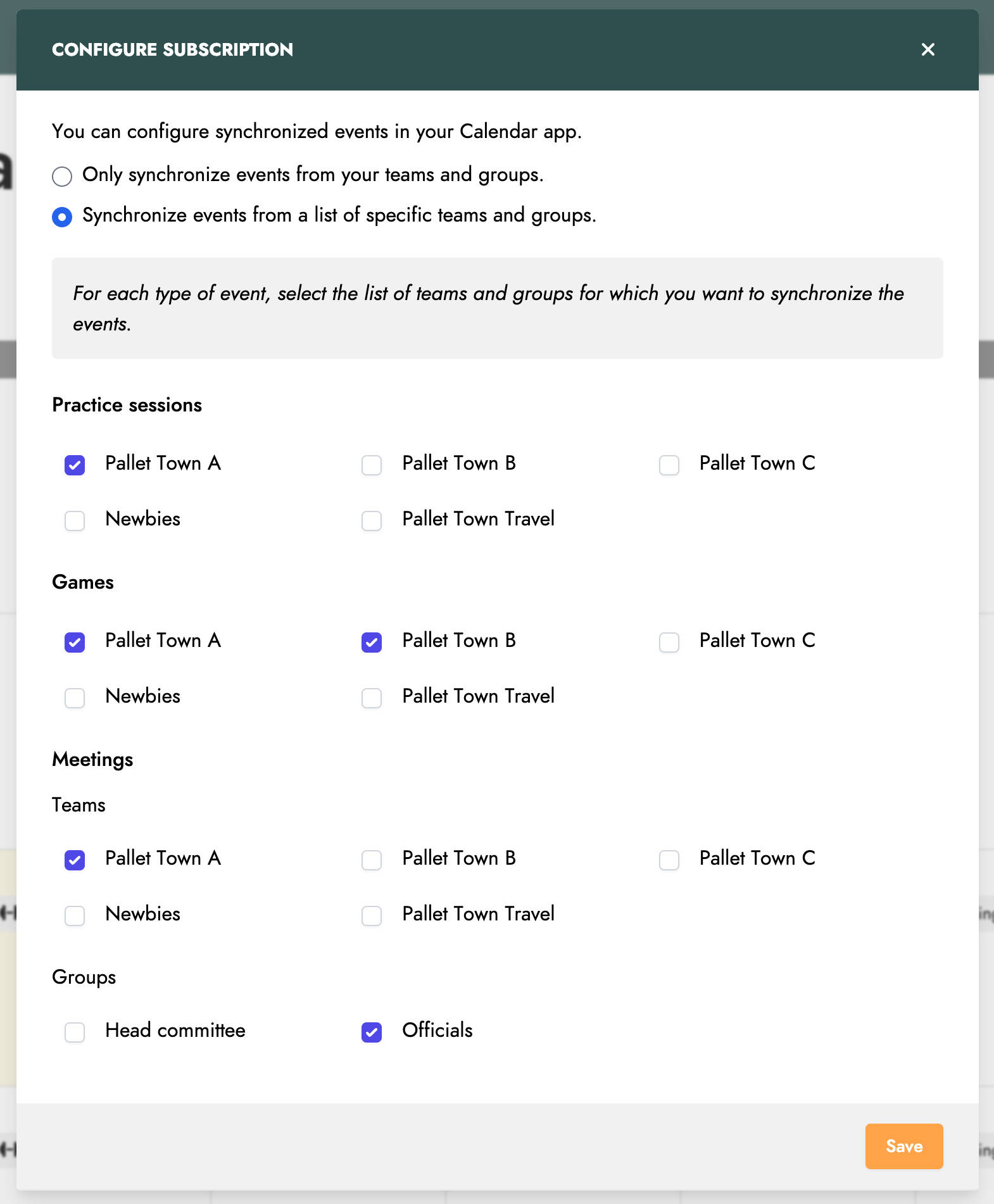
By default, the synchronized events are those related to your teams and groups. However, you can customize this selection by clicking the Configure subscription button.
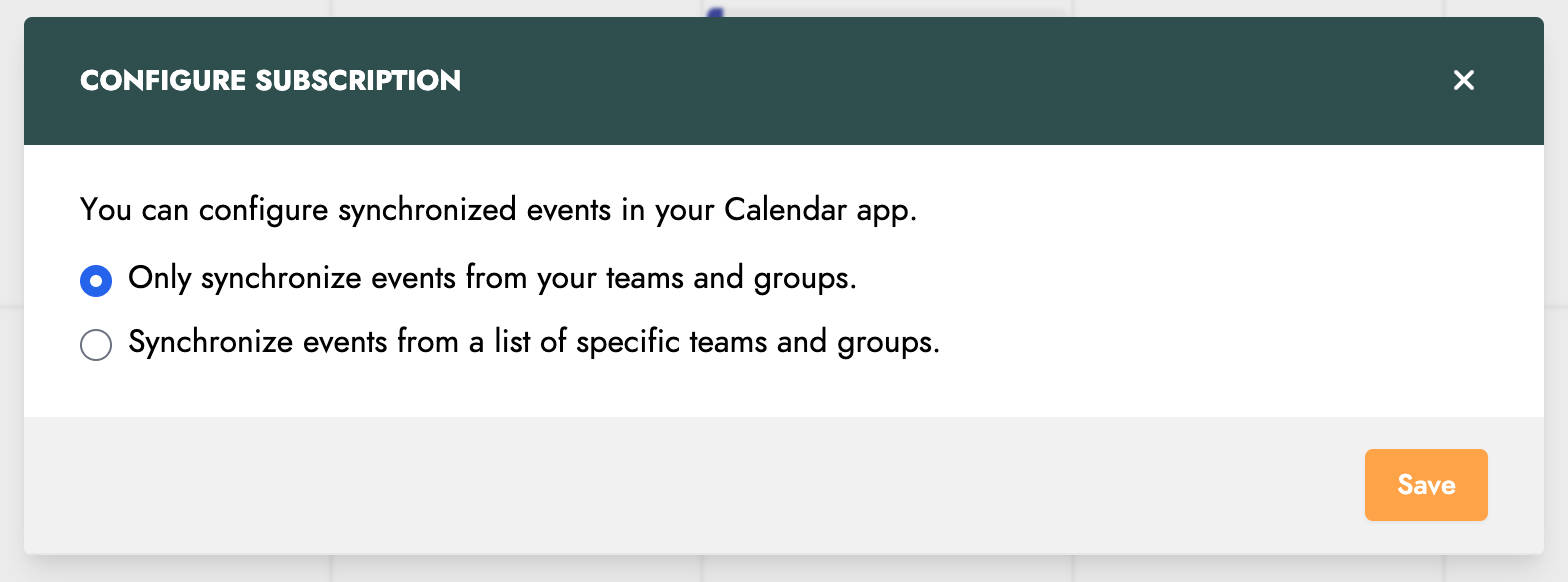
In the new window, choose the option Synchronize events from a list of specific teams and groups. You will then have the opportunity to select, for each event type, the teams and groups for which you want to synchronize events.