

Chat, in real time
Published on September 23, 2026
Chat, in real time
Published on September 23, 2026
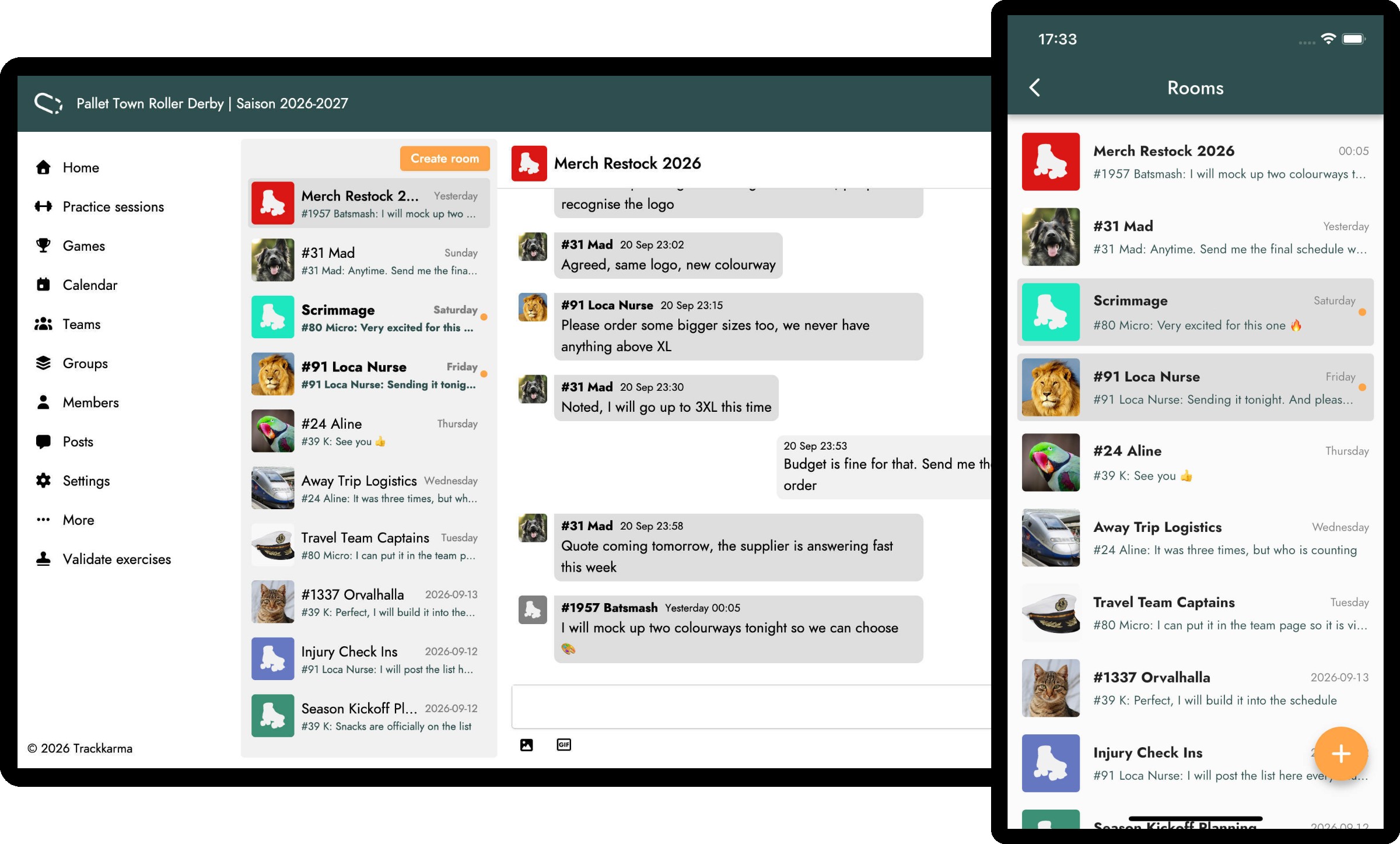
Trackkarma offers a wide variety of tools to manage communication within your league. Announcements, posts and notes of all kinds all give you a way to pass information on to your members. Yet sometimes you simply need to get a message across quickly, to one person or to a group. Until now, those exchanges took place outside Trackkarma, in a messaging app that only part of your league uses and that knows nothing about your teams. From today, they have a place of their own in our new feature: the real-time chat.
We announced it in June, and the leagues supporting us on Patreon have been testing it ever since. Posts remain the ideal place for the information that has to be found again later, while the chat is made for everything else: quick, direct exchanges between the members of your league, in real time, on the web and in the Android and iOS apps.
Private rooms and group rooms
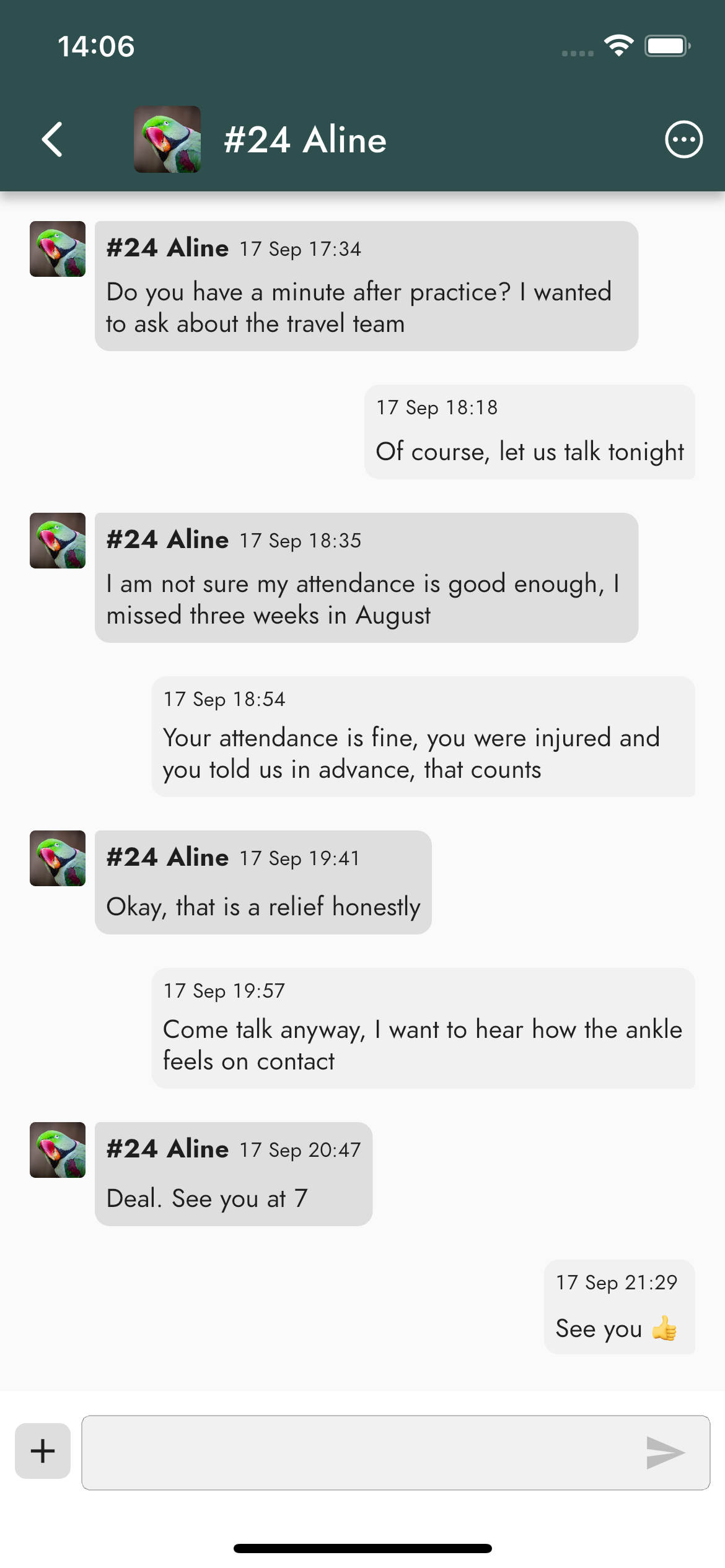
Conversations take place in rooms, and there are two kinds of them. A private room brings together you and a single other member of your league. There is only ever one private room per pair of members: if you start a conversation with someone you have already talked to, Trackkarma simply takes you back to your existing room.
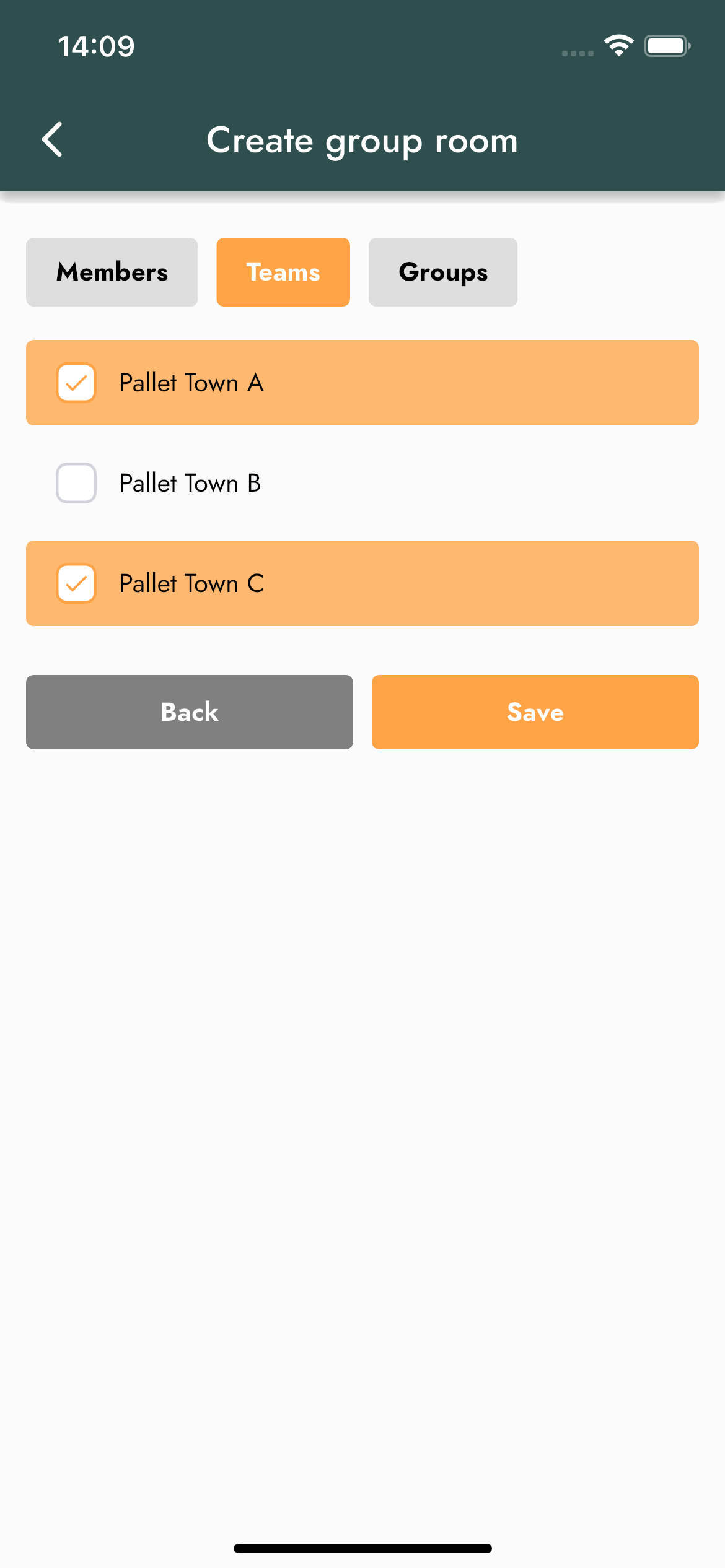
A group room gathers as many members as you need. Give it a name, then choose who joins it: individual members, but also entire teams or groups. Picking your A team or your board adds all of their active members in one go, which saves you from ticking fifty names one by one.
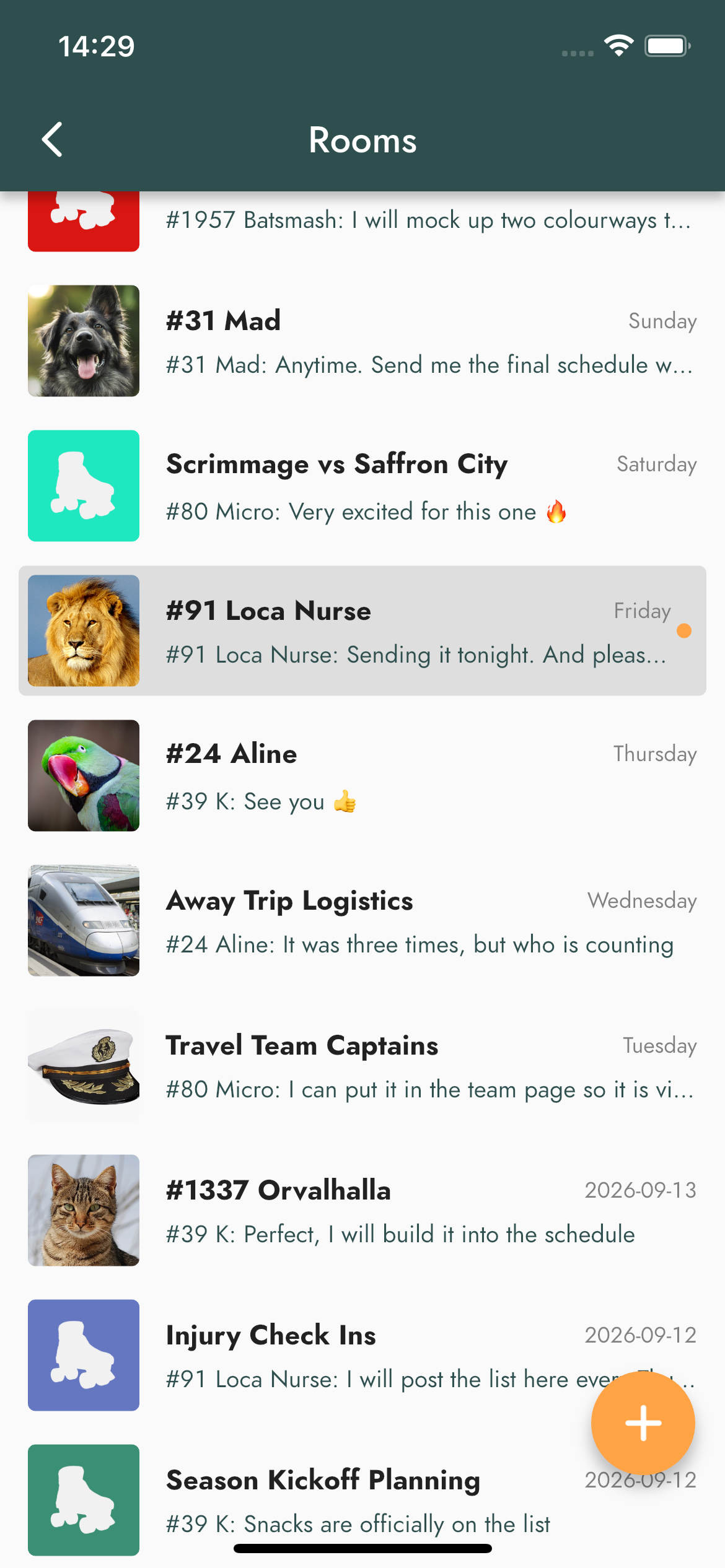
Your rooms are listed with the most recent activity first, so the conversations that just moved are always at the top, and you can see at a glance which ones contain messages you have not read yet.
Managing a room
Every group room has a name and an image, which its members can change at any time. So that nobody is caught off guard, these changes appear directly in the conversation, just like new members joining and members leaving the room.
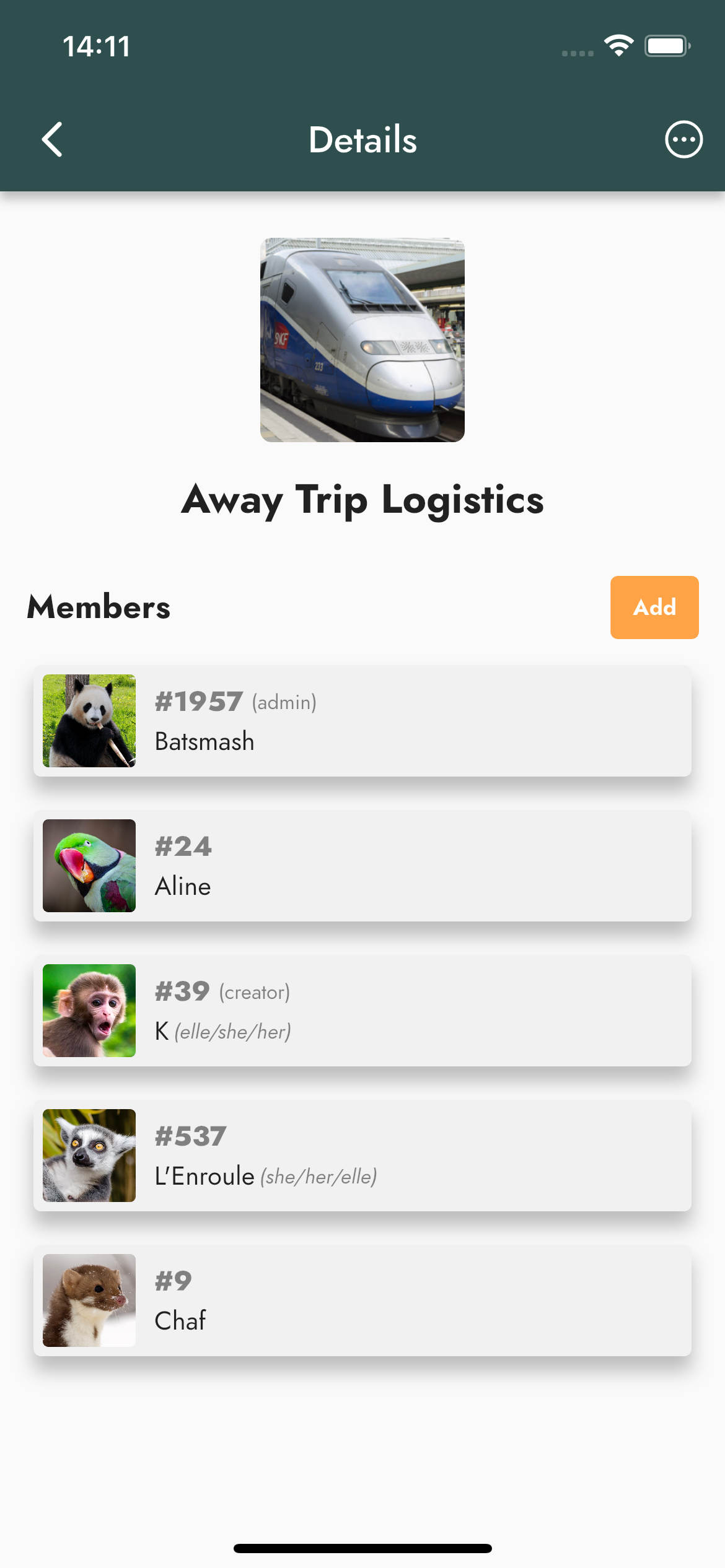
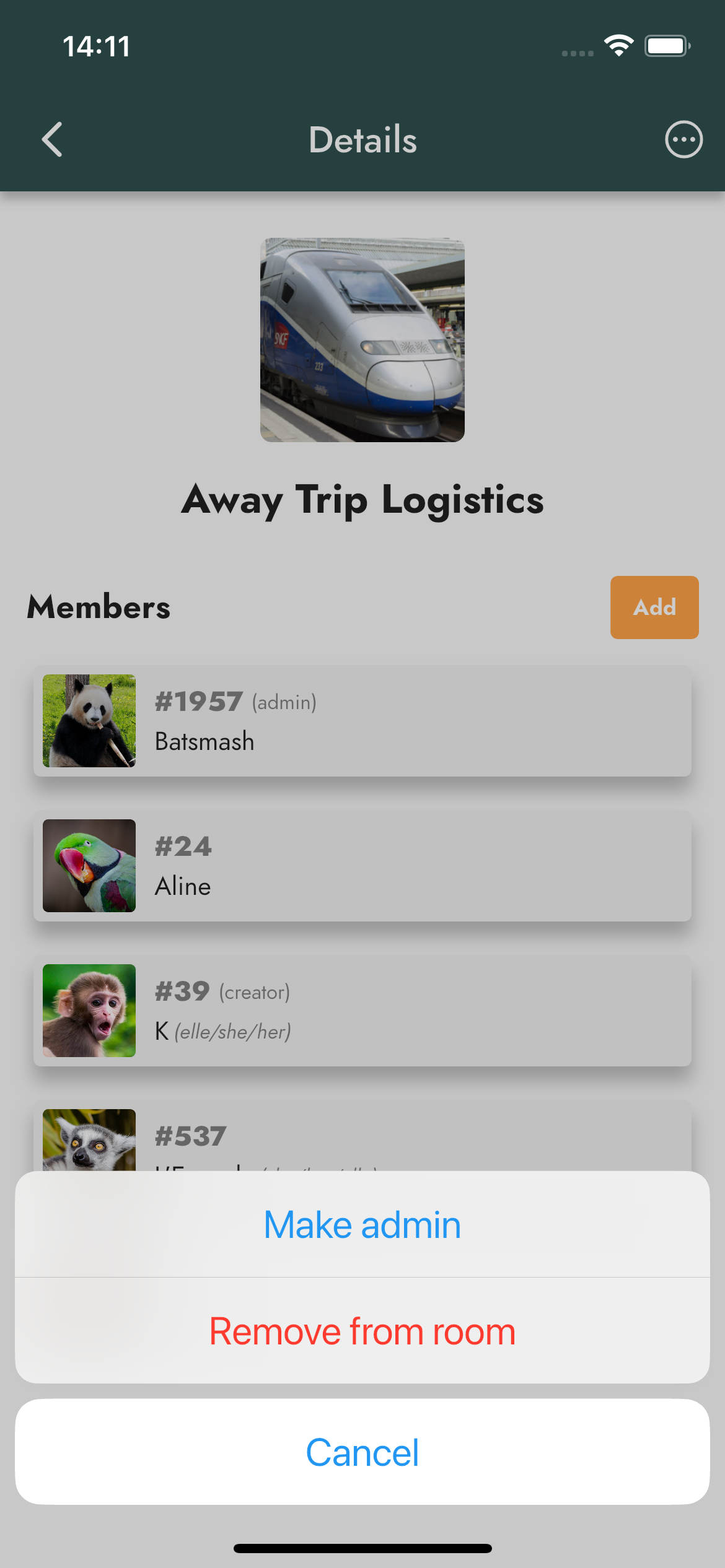
The member who creates a room becomes its creator, and can appoint admins among its members, who can in turn appoint other admins. The creator and admins can remove members from the room, or delete the room altogether. Any member can also leave a room whenever they want.
More than plain text
Messages arrive instantly for everyone in the room. Along with text, you can share one or several images, or send a GIF when words are not enough.
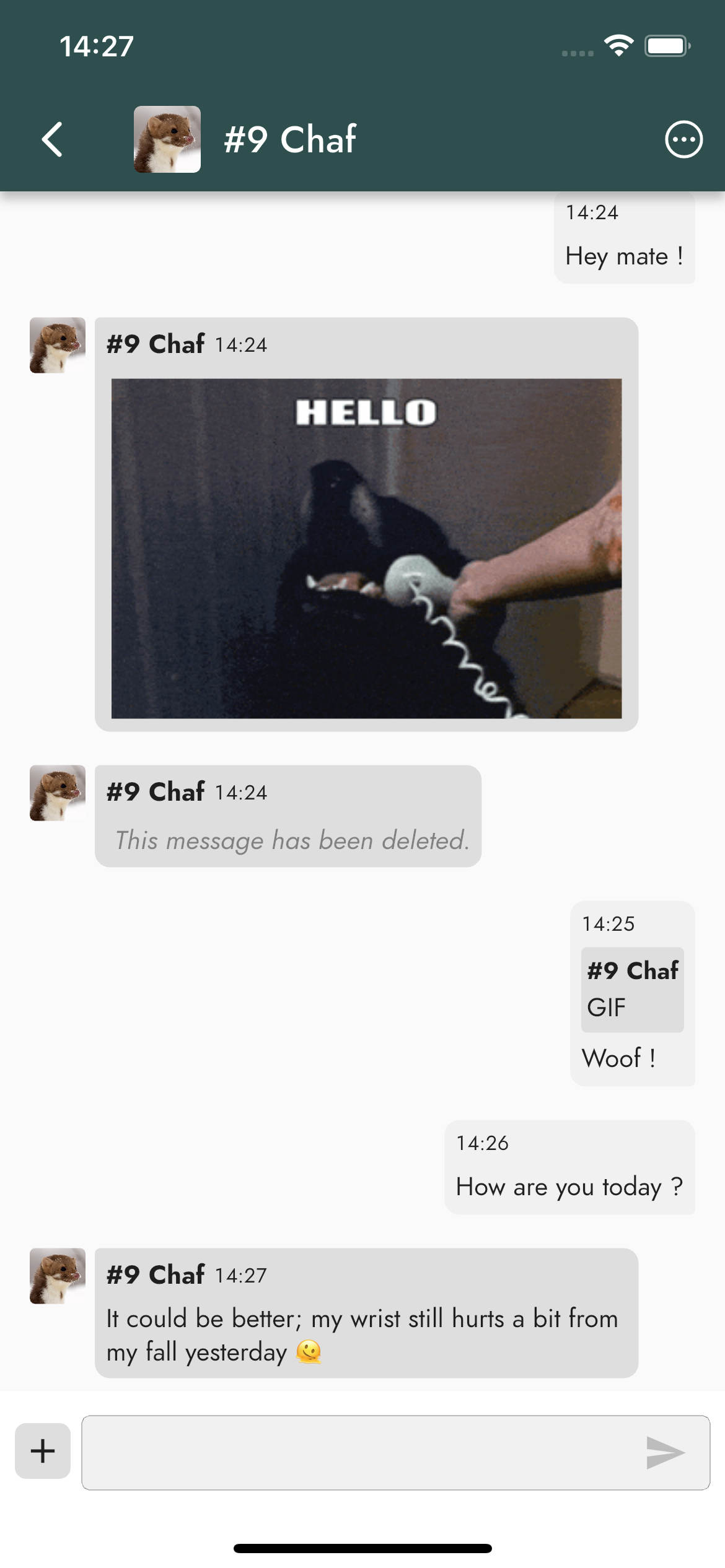
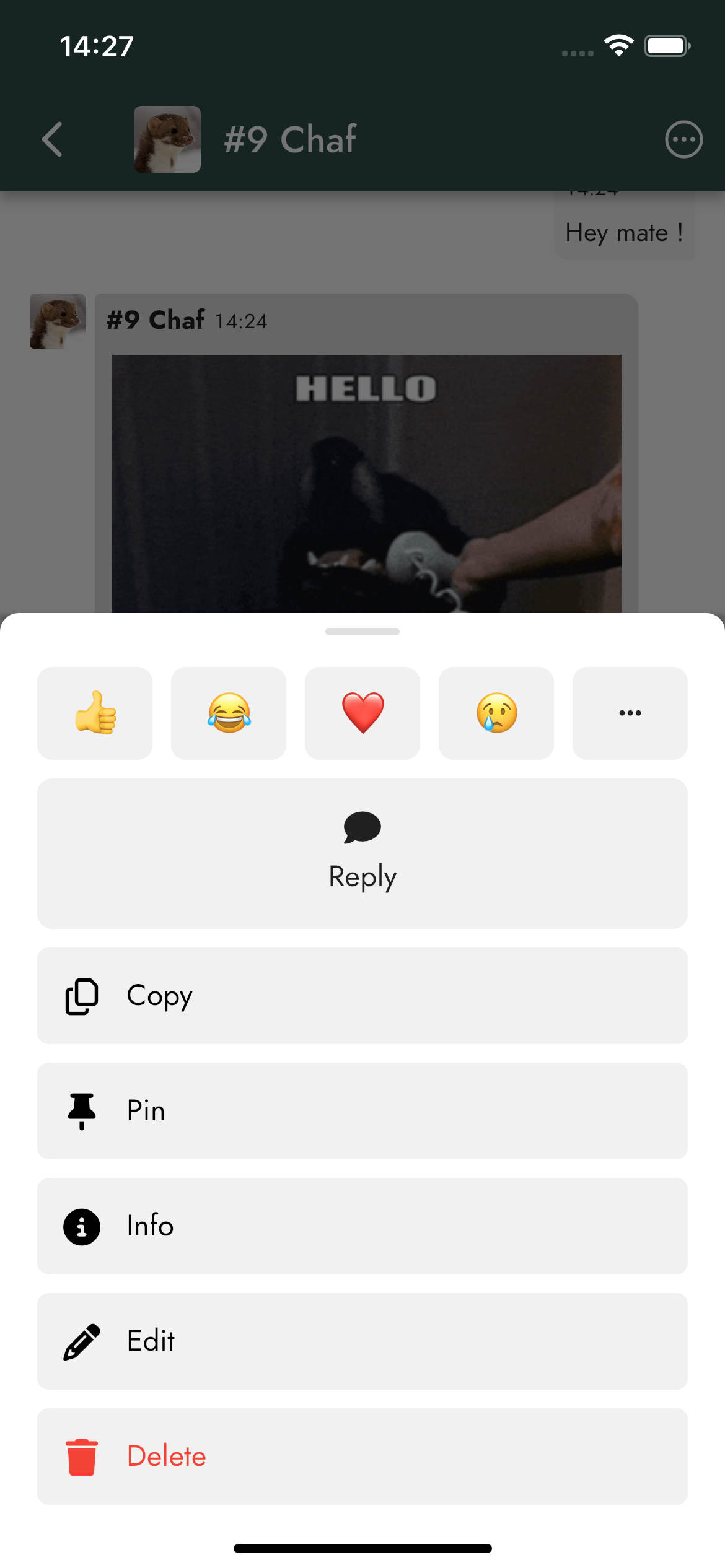
Every message can be answered directly: your reply then displays the message it refers to, so that conversations stay easy to follow even when several topics overlap. You can also react with an emoji, and see who reacted with what.
Mentions work just like in posts: mention a member to get their attention, or mention everyone to reach the whole room.
Made a typo? You can edit your own messages, which are then marked as edited, or delete them.
Keeping what matters within reach
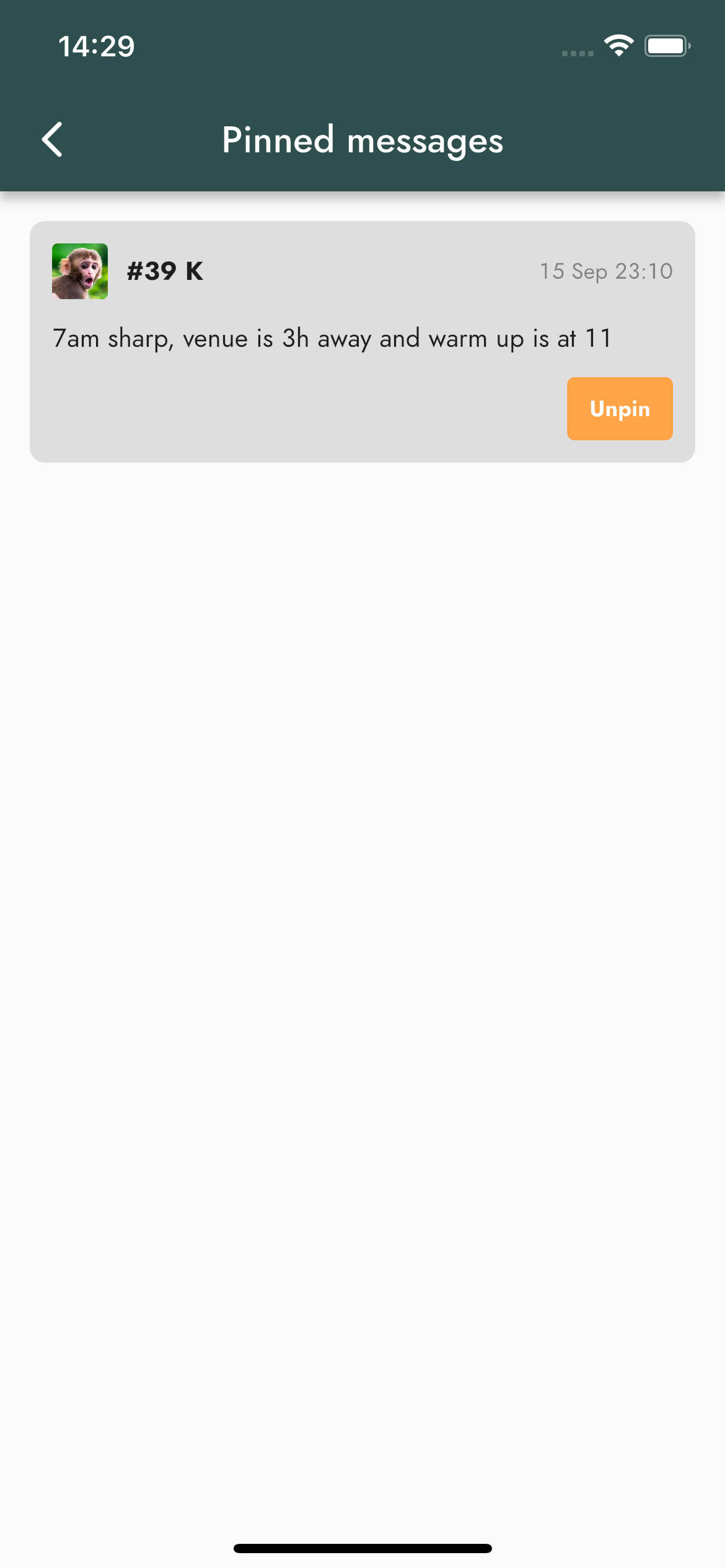
Important messages tend to get lost in a busy room. Any member can pin a message to keep it within reach: the schedule for the tournament weekend, the carpooling plan, the link to the team kit order. Pinned messages are gathered in a dedicated list, available from the room details.
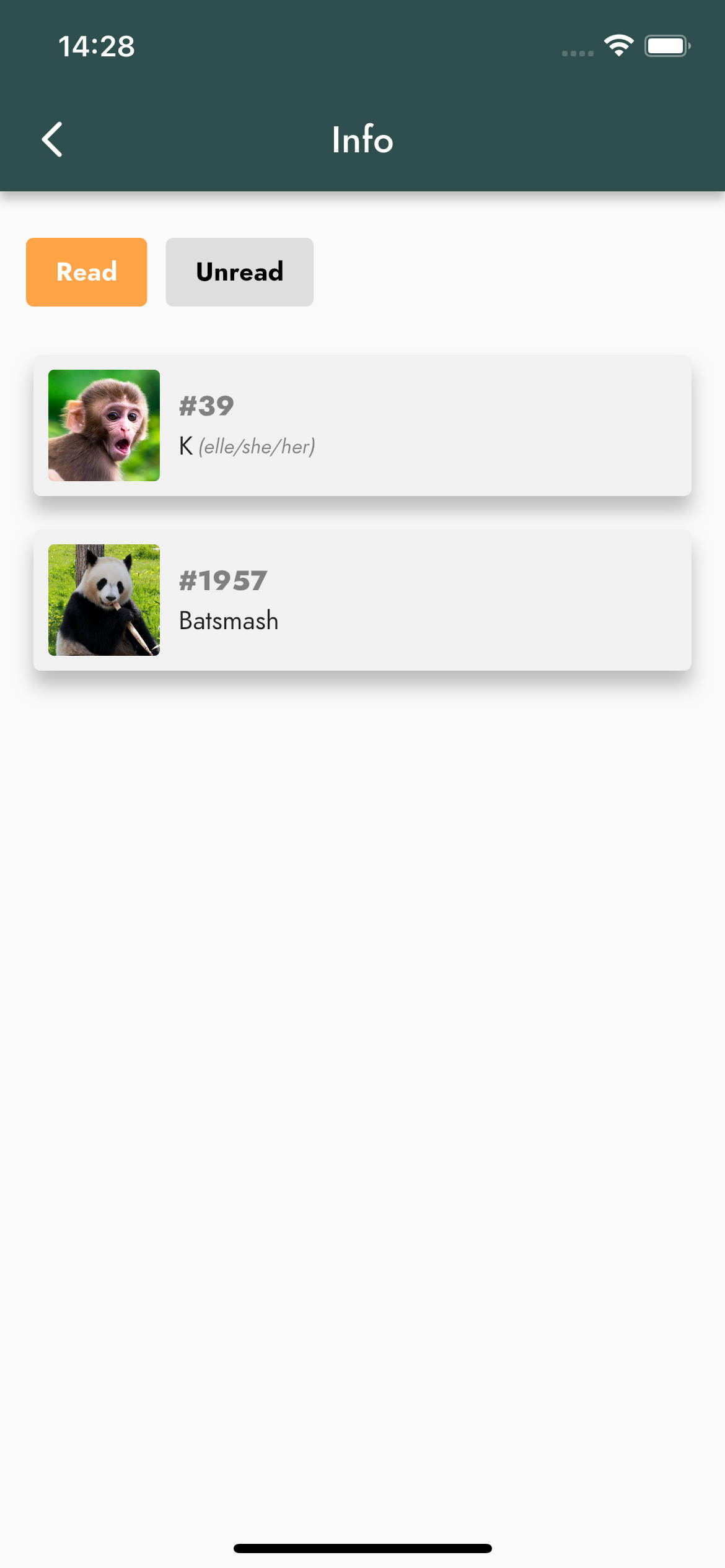
And if you want to know whether your message got through, its information shows which members of the room have read it, and which have not yet.
Notifications
On mobile, every new message triggers a push notification. Trackkarma does not notify you for a room you are currently looking at, and a message that mentions you or the whole room is flagged with a 📢 icon so that it stands out from the rest.
A room is getting a bit too chatty? Mute it: you will stop receiving its notifications without leaving the conversation.
Available now
The chat is available right now, on the web and in the Android and iOS apps, for leagues with a full Patreon subscription. Real-time messaging and image storage come with additional infrastructure costs, and as always in such cases, this feature is reserved for the leagues supporting our project.
We can't wait to see how your league puts it to use. Try it out, tell us what you think, and see you in the rooms!