
Updates – February 2026
Photo : David Van Elslande
Updates – February 2026
Photo : David Van Elslande
The year 2026 begins with a first wave of new features and improvements on Trackkarma. Let’s take a look at the latest developments added to the application!
Hide Trackkarma team announcements
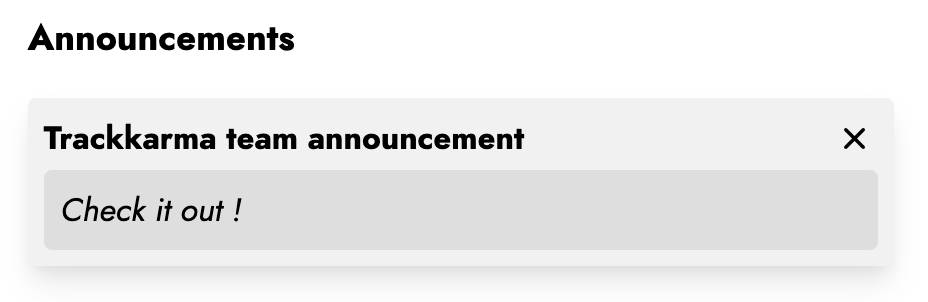
If you have been on Trackkarma for a while, you have certainly already seen announcements from the Trackkarma team appear on your homepage. The purpose of these announcements is to directly inform you about new features added, such as those in this article!
Until now, these announcements remained displayed on the homepage for a defined period of time. You can now manually hide them (after reading their content, of course!).
Training session deleted notification
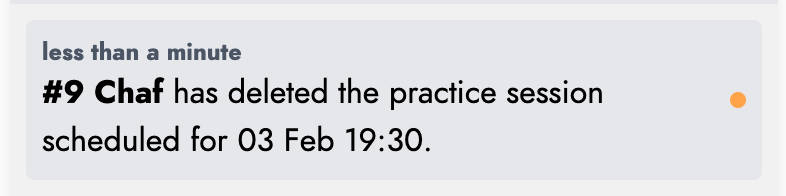
In the past, members were not notified when a practice session was deleted. This could be problematic, especially in the case of a last-minute cancellation, with the risk that some members would travel to the training venue even though no session was taking place.
With this new update, when a session is deleted, a notification is sent to the members of the teams concerned.
Improved game invitation sending
After creating a game, it is possible to invite a team from another league to join that game. This feature is very useful as it allows both teams to directly share game information such as the schedule and location, as well as rosters and officials.
Previously, the only way to invite another team was to enter a contact email address for a person in the corresponding league.
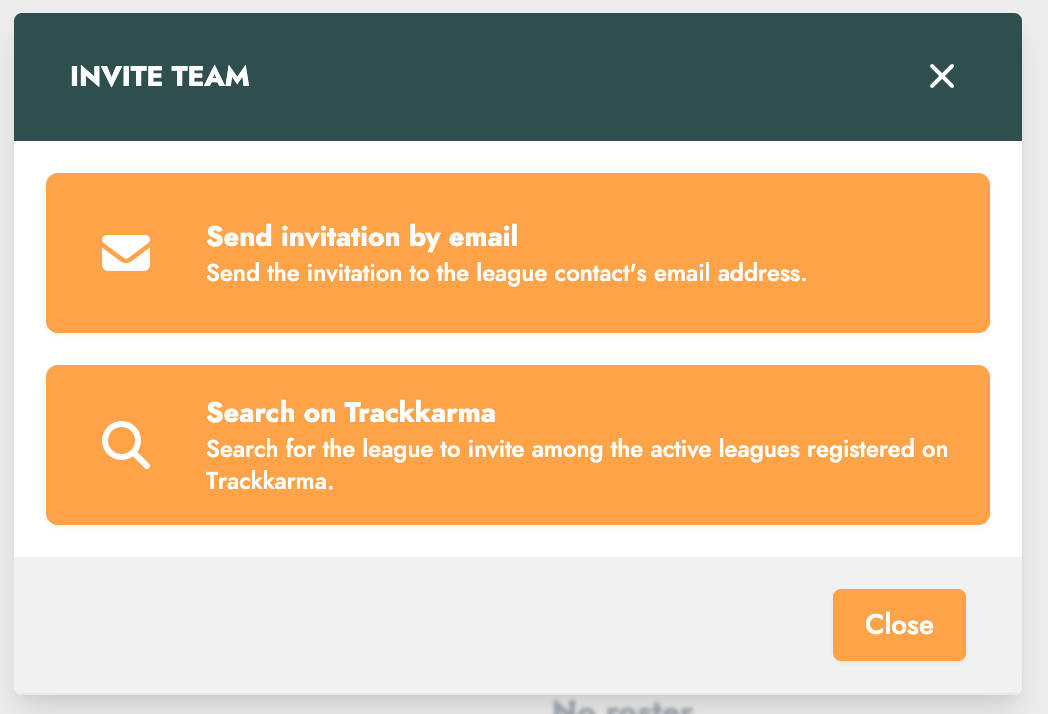
You can now invite another league by searching for it directly in the list of active leagues registered on Trackkarma. Once the league is selected, invitations will be sent to the members of that league responsible for managing games.
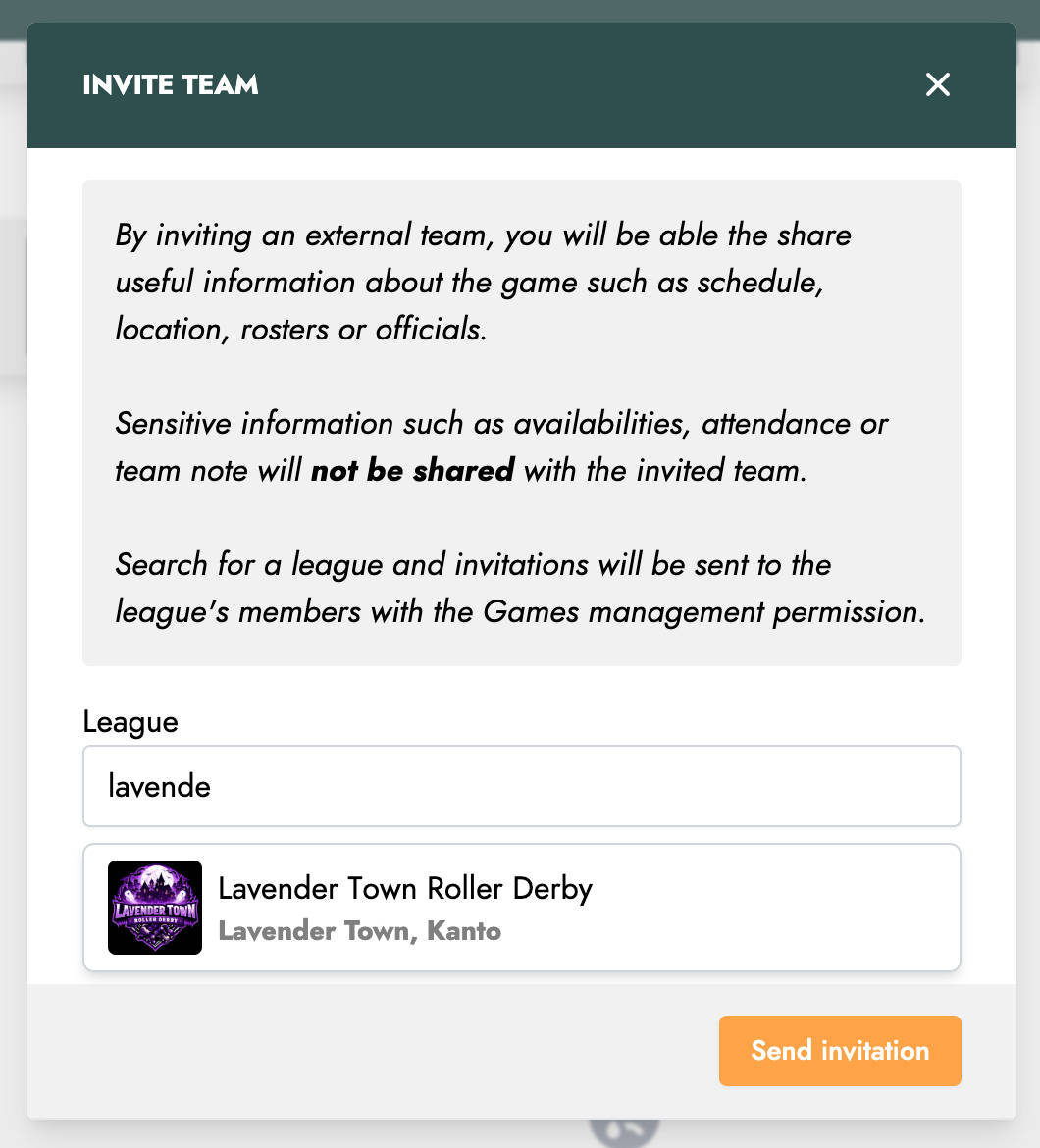
Of course, if you do not want your league to appear in this list, you can disable its visibility in your league settings.
Improved acceptance of game invitations
Still regarding game invitations, we have also made improvements to the acceptance process.
Until now, after opening the link in the invitation, you could only select the team in your league participating in the game. A new game was then created and added to your league’s game list.
In practice, it was very likely that a corresponding game already existed in your league, possibly created earlier to check your members’ availability internally. By accepting the invitation, your league would therefore end up with two similar games.
You now also have the option to merge the invitation game with an existing game in your league.
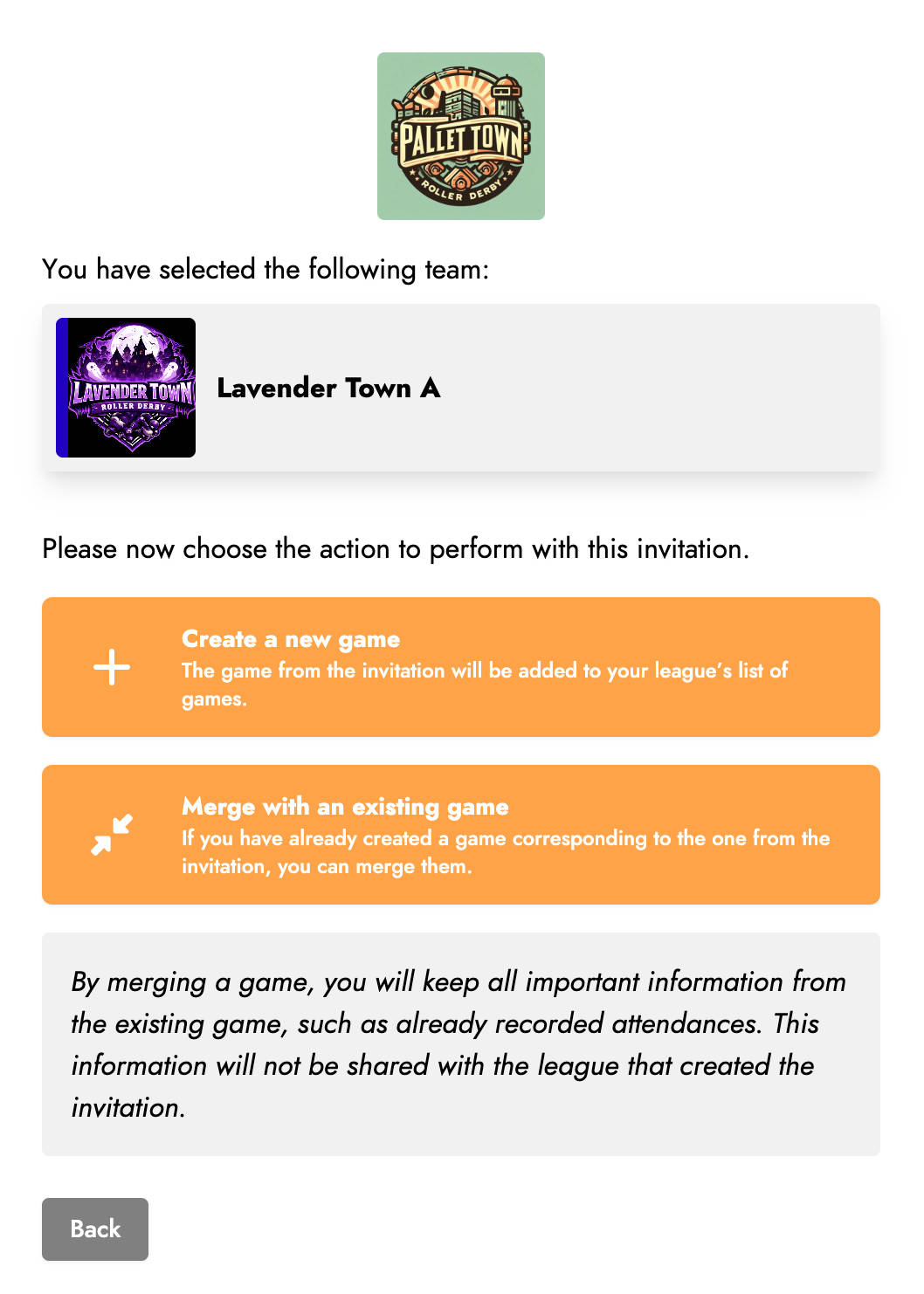
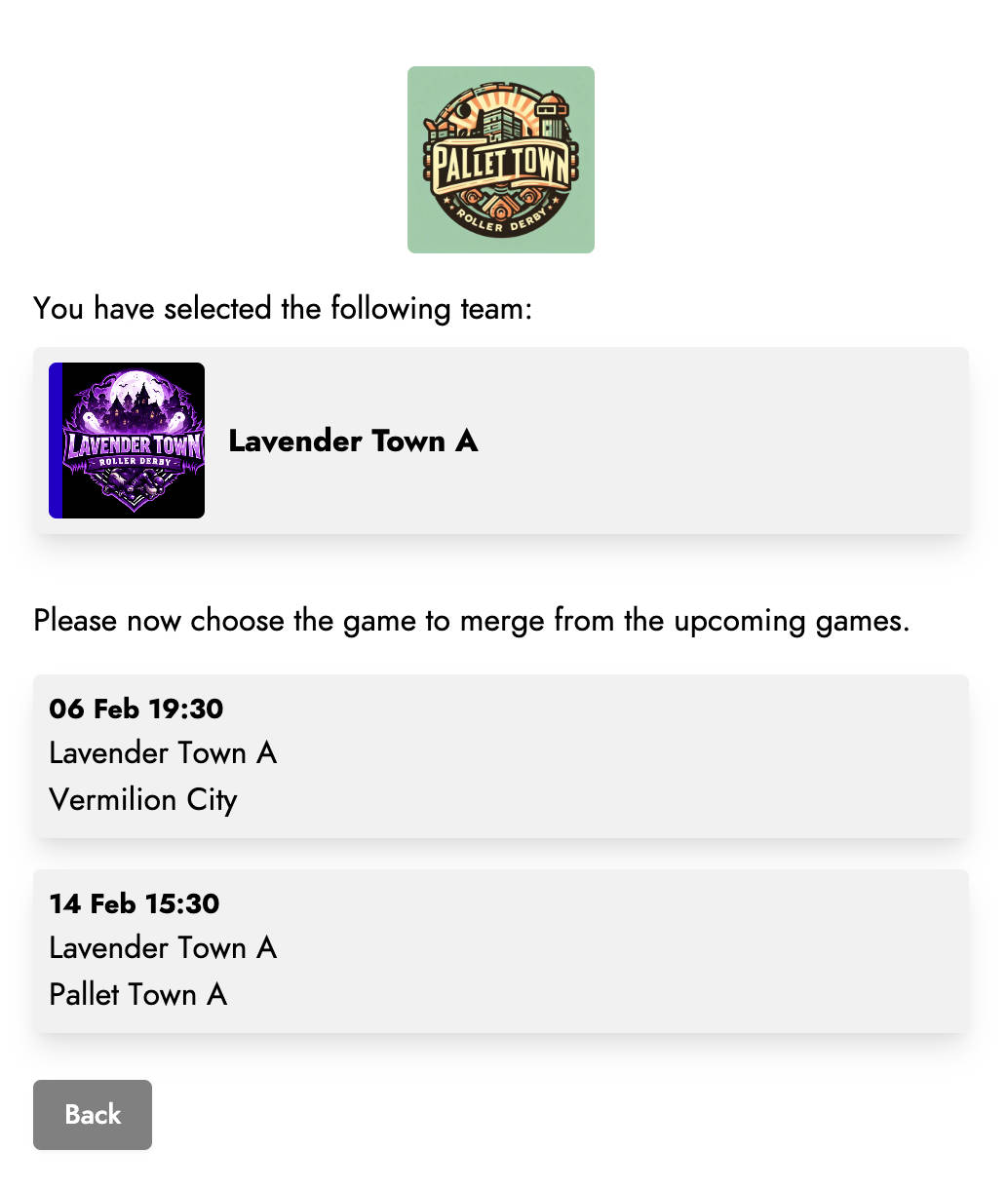
The list of upcoming games for the selected team will then be displayed.
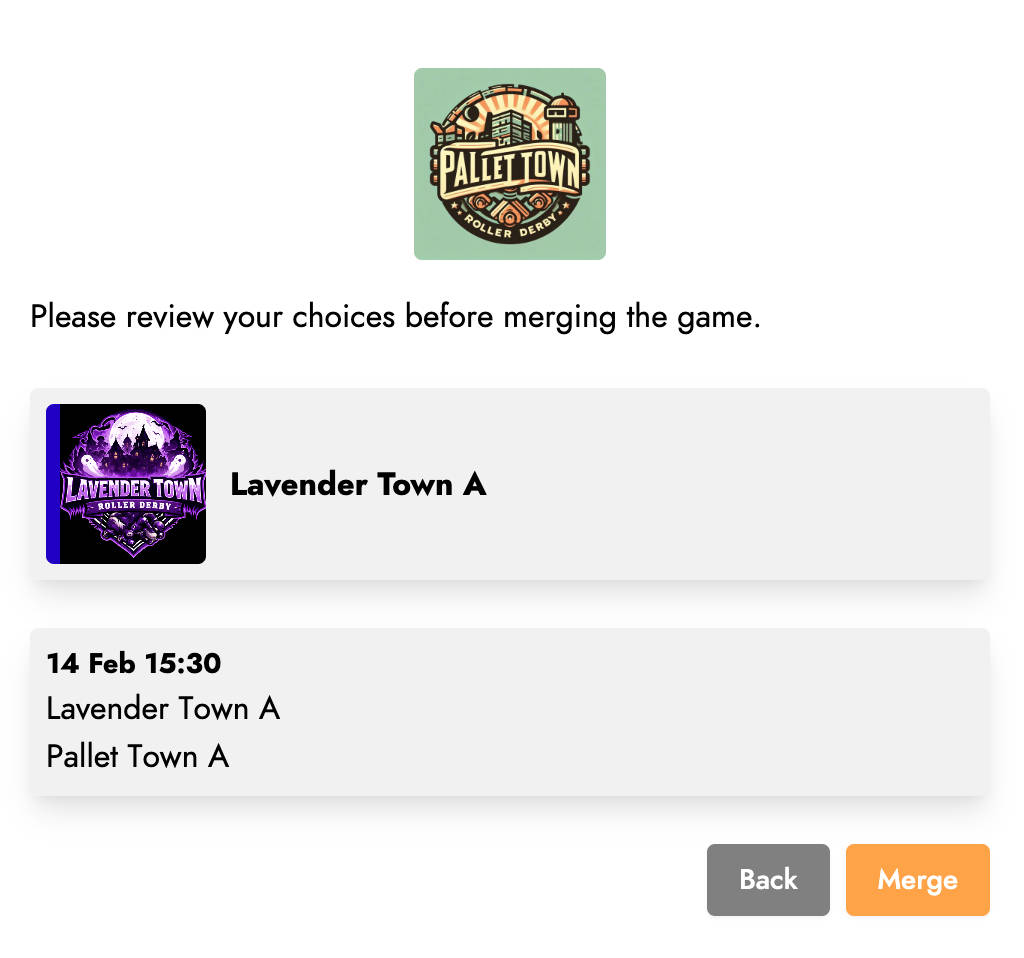
After selecting the game and confirming the merge, the relevant information from both games will be combined. Of course, all confidential data from your league, such as attendance or internal resources, will not be shared with members of the other league!
Resources and access
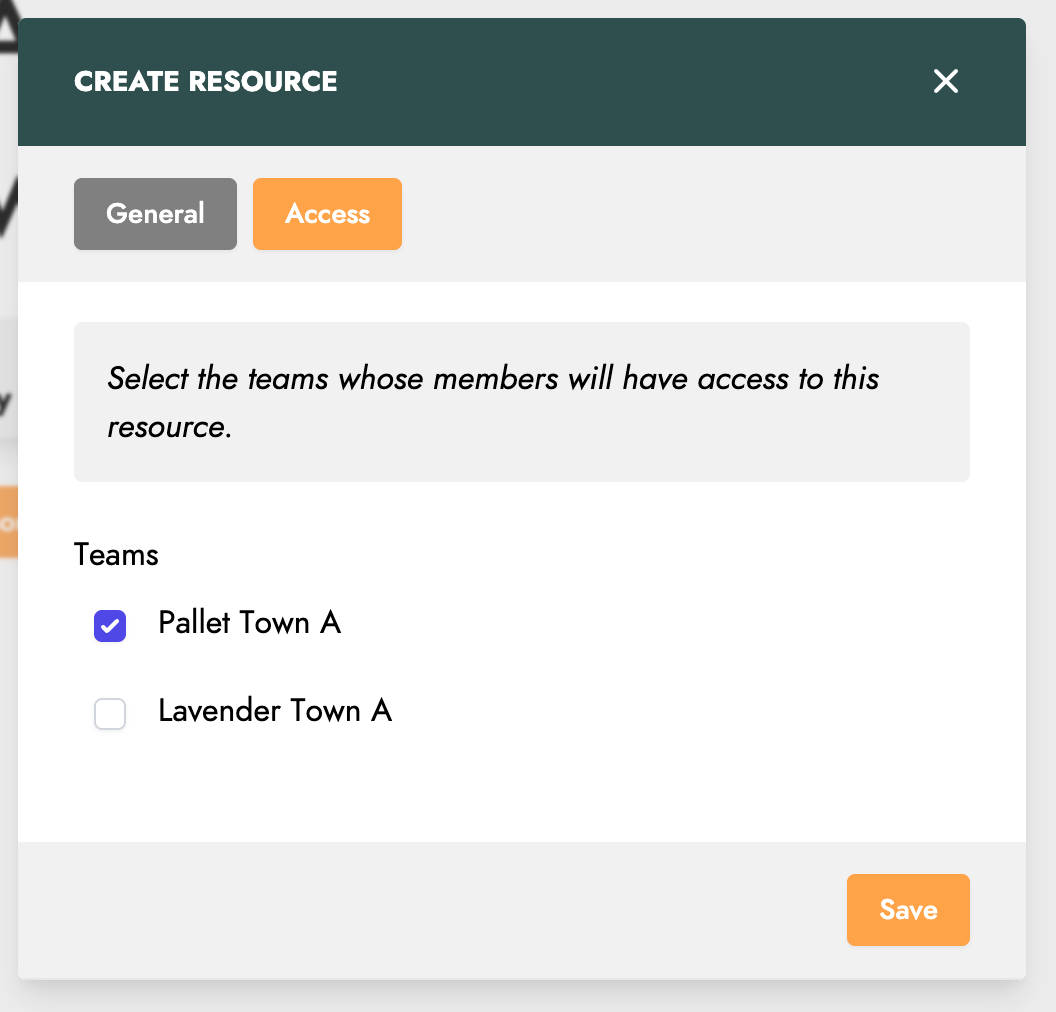
The final improvement concerns resource management, and more specifically resources added to a game.
Previously, a resource added to a game was visible to all members of your league’s teams participating in that game.
It is now possible to manage access more precisely and select which teams can see these resources.
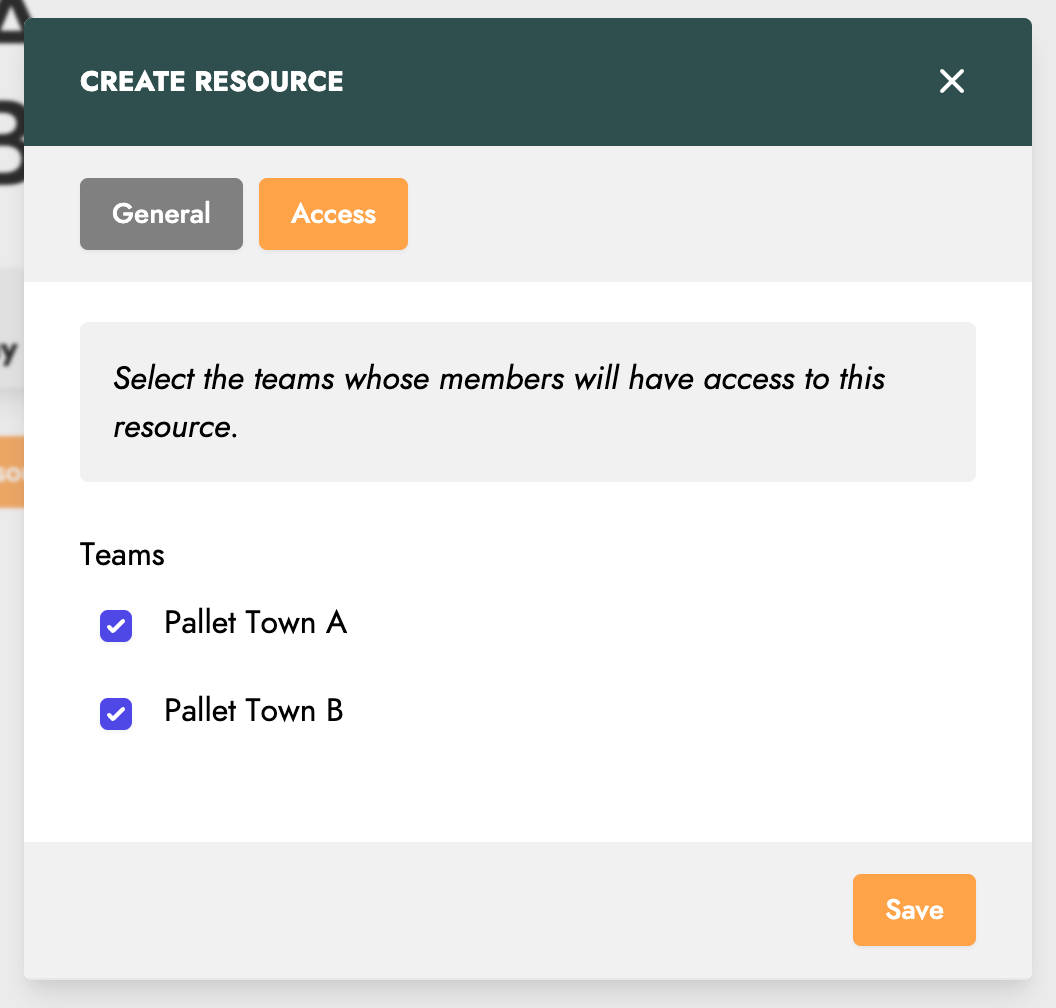
In line with the developments around game invitations, it is also possible to select a team invited from another league. This new feature opens the door to more advanced and detailed information sharing between multiple leagues!